Capability browser
Choose the delivery route before formal intake.
Use the browser to compare what TeamZoro can deliver, who the route fits, what outputs are typical, and how the work usually starts. The goal is a route that can be defended in first review.
Before you filter
A useful browser decision should answer these three questions.
CapabilityName the work, not just the tool
A strong choice explains the software outcome, the users it serves, and the capability family it belongs to.
Buyer contextMake the approval audience explicit
The browser works better when procurement, delivery, and approval teams can read the same starting story.
Starting shapeDecide how cautious the first step should be
Discovery, pilot, phased rollout, and support imply different artifacts, timelines, and decision pressure.
Solutions browser
Filter the catalog until one delivery route is credible.
Start with capability fit, then narrow by buyer context, operating environment, and delivery shape. The goal is a route your reviewers can understand, not a longer list of options.
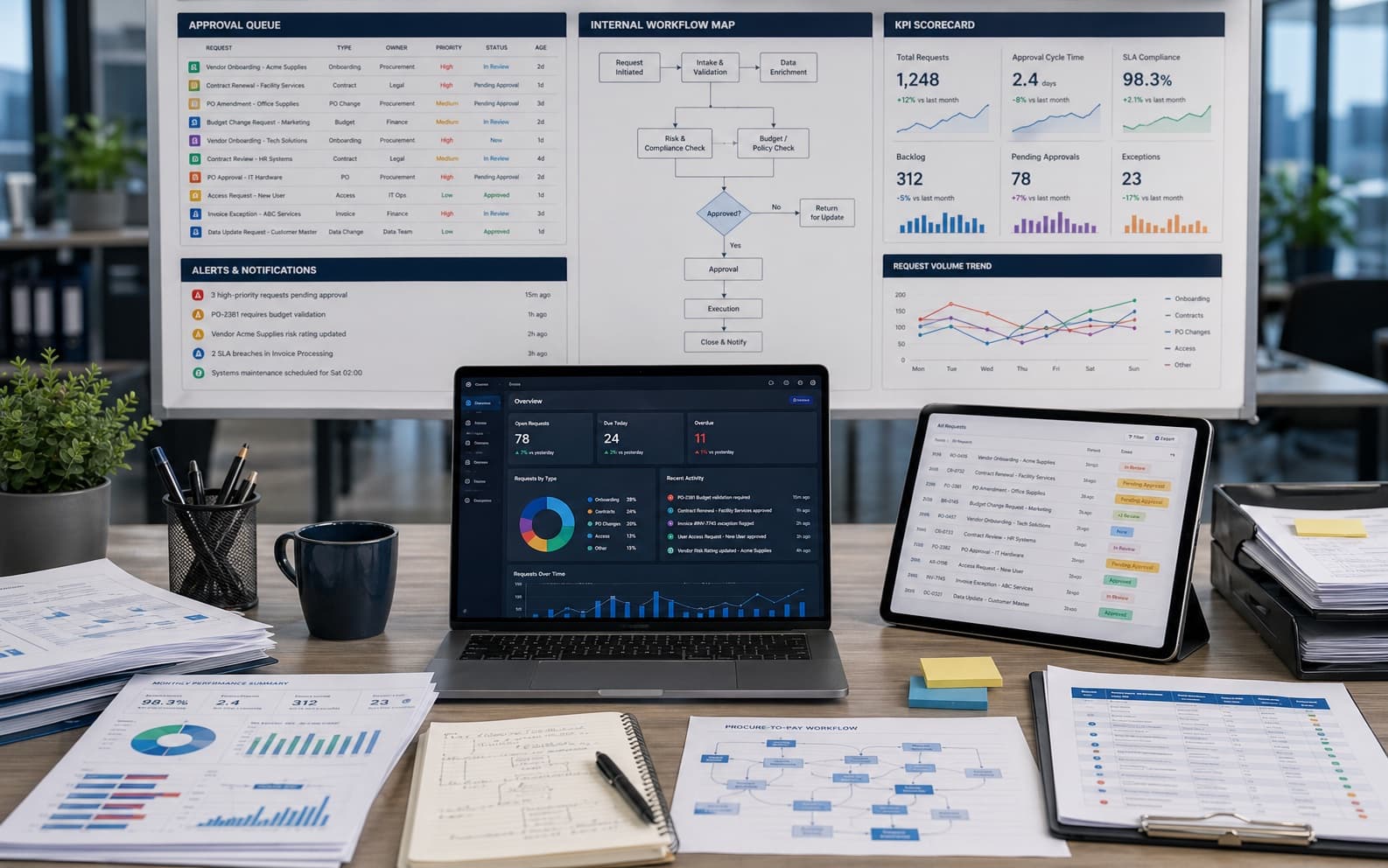
Operational systems and data workflows
Internal tools, reporting layers, approvals, dashboards, workflow coordination, and day-to-day operating software.
Typical outputs
- Workflow and approval systemsShows the workflow layer that will reduce manual handling.
- Operational dashboards and reporting viewsKeeps reporting and visibility tied to live execution.
Procurement fit
Best when the real problem is internal coordination, visibility, or operational reliability.
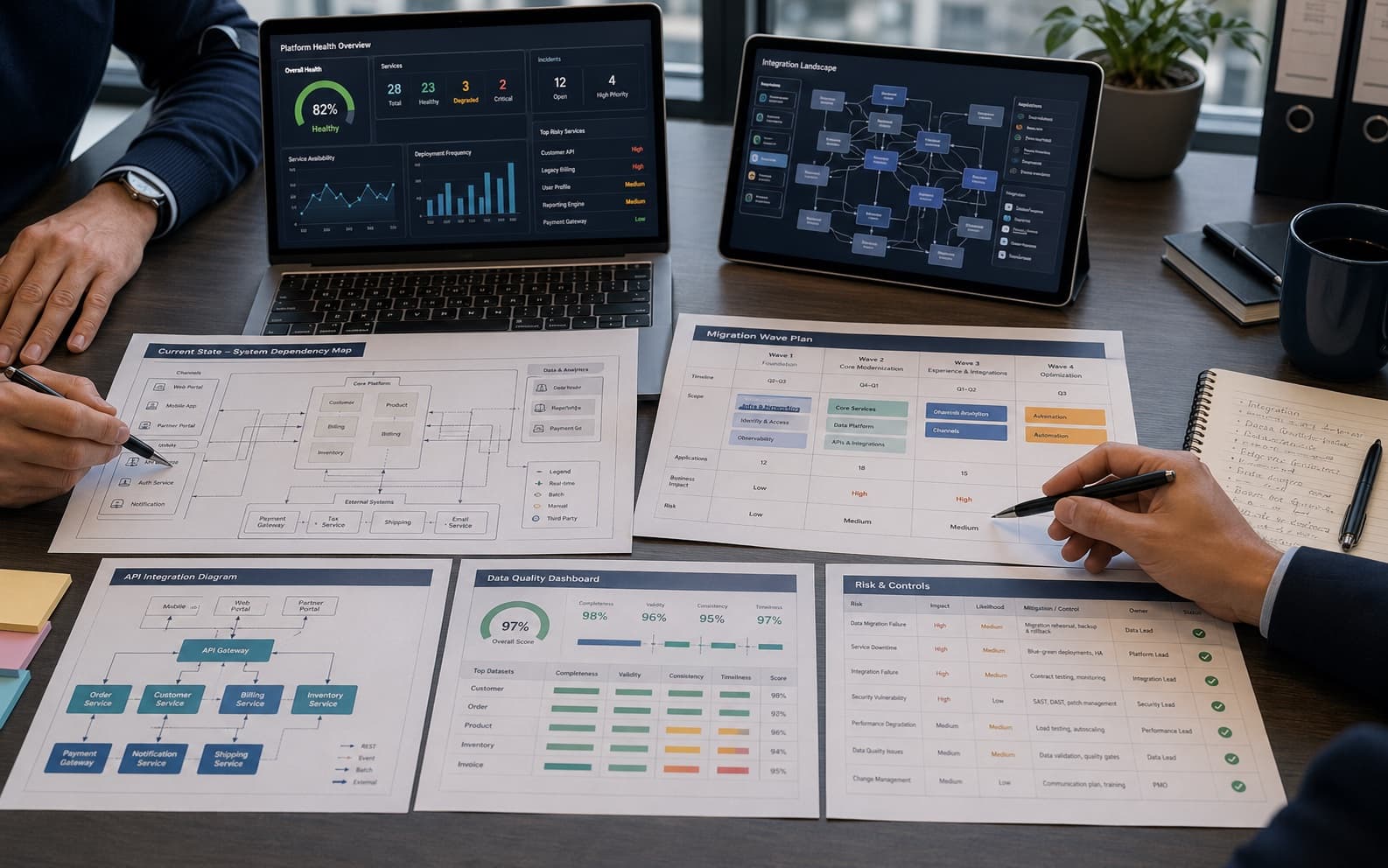
Platform modernization and integration
Migration, integration, platform cleanup, and staged improvement when important software already exists.
Typical outputs
- Legacy platform improvement and technical cleanupShows where existing platforms need real improvement, not patchwork.
- Integration between systems and software surfacesClarifies which systems must talk to each other first.
Procurement fit
Best when the safer route is to improve and connect what already exists.
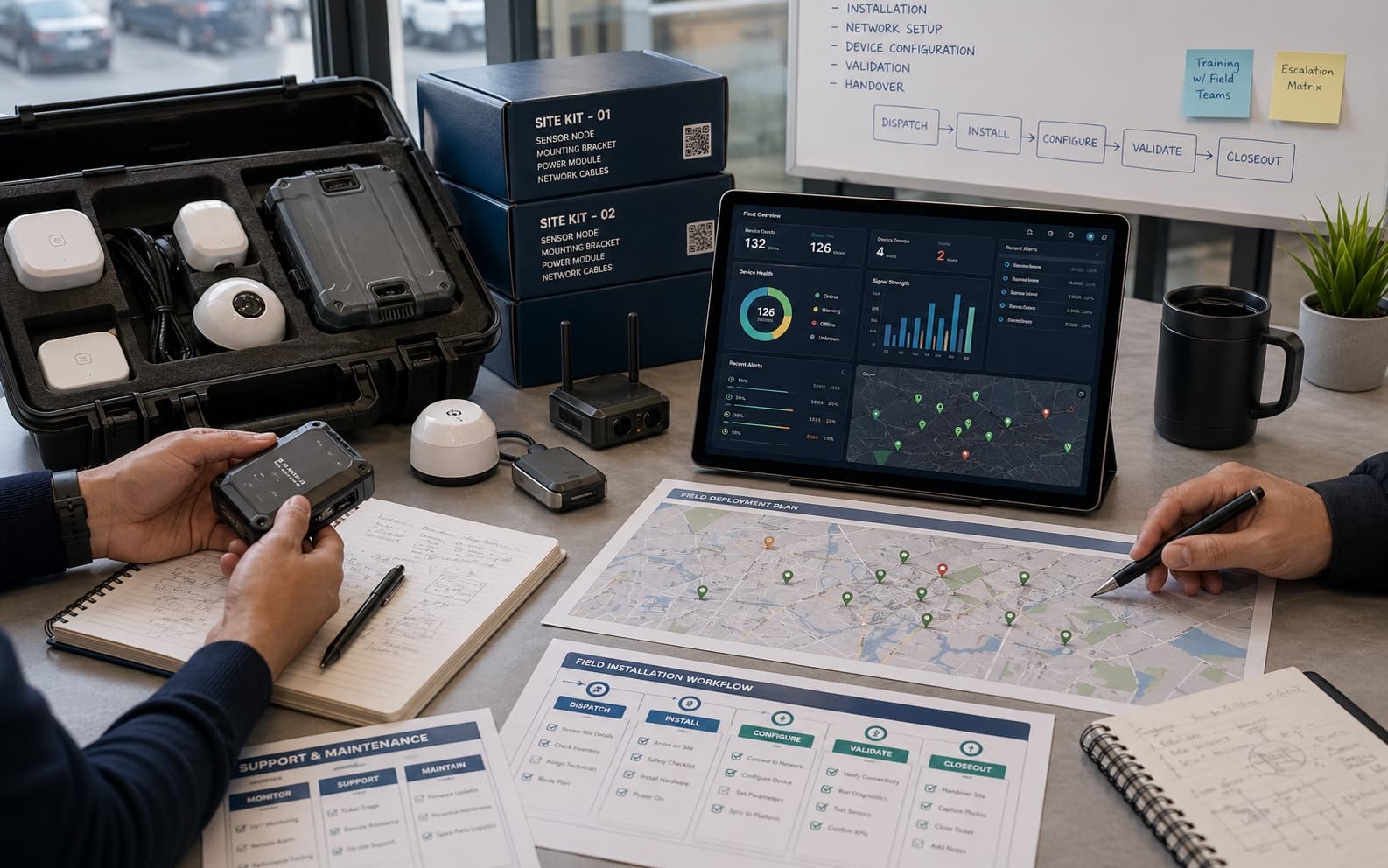
Hybrid hardware-software programs
Device-linked, field, and hardware-supported programs where software governs the usable outcome.
Typical outputs
- Applications and workflows tied to hardware or field deploymentShows the software surface that makes the physical program usable.
- Monitoring, reporting, or automation around device-based programsKeeps monitoring, reporting, and coordination inside the same route.
Procurement fit
Best when software is central to making the physical program usable, supportable, and visible.
Next move
Carry the chosen route into the next decision.
Open the capability brief when one route is close. Move to intake when the capability, buyer context, and starting delivery shape are clear enough to review.